
FBA prep
Labels and cartons that match the shipment plan.
New guide: when to ship from China, when to stock closer to customers, and when to do both.
Read itIntegrations
Some units should go to FBA. Some should ship as FBM. Some should stay for your own store. The connection exists so those decisions are counts, not guesses made in three admin screens.
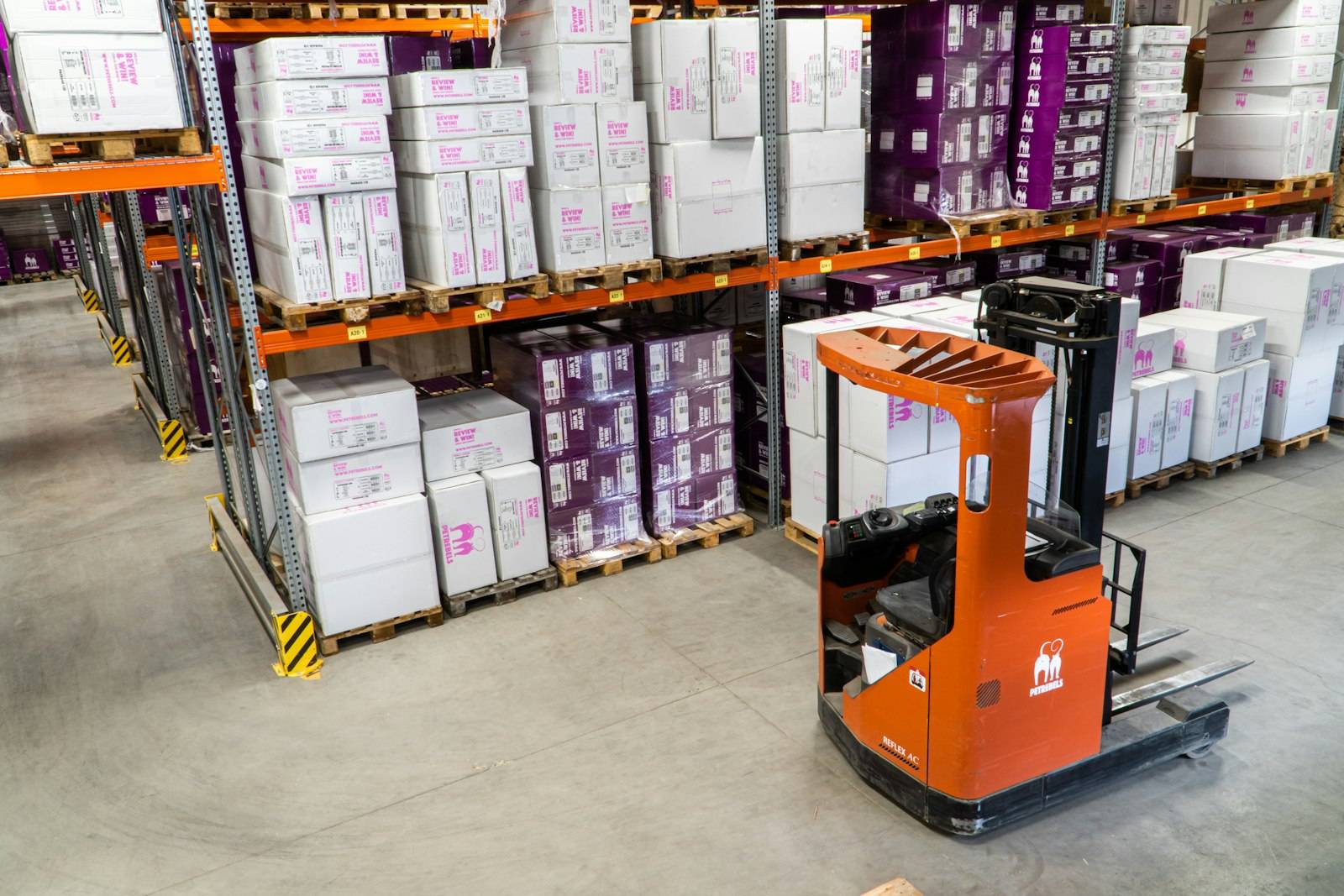
Labels and cartons that match the shipment plan.
Merchant orders picked inside the handling time you published.
A unit promised to FBA is not also promised to a Shopify customer.
Seller performance, listings, and cases stay with you.
FBA is inbound to Amazon. FBM is outbound to a buyer. They share inventory and almost nothing else. The Amazon solution pages describe each job. This page is only the connection between them and the bin.
How it runs
01
Prep, merchant fulfillment, or both.
02
Seller SKU, FNSKU, and warehouse SKU, written down.
03
A short FBA plan or a single FBM order.
04
After the first one is boring.
Also on the bench
If Amazon is holding the stock, that is their program, not this bench.
Units Amazon sends back can be received and graded.
The same bin can feed eBay or your store if you map it.
Connect the shop, map the SKUs, and let paid orders become pick tasks. Inventory can flow back so the product page is not selling a bin you already emptied.
Woo stores collect plugins. Fulfillment should not be another fragile one. The connection moves orders to the bench and can return stock and tracking to the order screen you already use.
TikTok Shop compresses demand into odd hours. Fulfillment has to absorb a spike without inventing a ship speed the lane cannot make. Stock, cutoff, and the promise on the listing have to be the same story.
Tell us what you sell and where it needs to go. We reply with sourcing, storage, handling, and shipping options.